Skip to content

The Only Exception Posts

Basic respect: like napkins at dinner, not fancy, just necessary

I recently went through three rounds of interviews with a company. During the initial screening, my salary expectations were discussed and deemed acceptable.

During the first round and second round, I needed to design and defend a technical architecture. A classic use case, for which I spent around 14 hours and $20 on WiFi mid-flight from London to Kuala Lumpur. (Kudos to KLM, their inflight WiFi is so fast it makes Emirates’s connectivity feel like it’s running on a dial-up modem)

Midway through the process, their budget changed. They didn’t communicate this. They didn’t ask if I could work within the new range. They simply continued the interview process, then offered the position to a candidate whose expectations aligned with their revised budget.

I learned about this only after following up.

Here’s what frustrates me: I understand business decisions. I have been on the other side of the table. Hiring within budget constraints is reasonable. What’s not reasonable is keeping candidates in the dark when parameters change.

A simple conversation like “Our budget has shifted to X. Is this still workable for you?” would have saved everyone time and preserved mutual respect.

Instead, I invested hours across multiple sessions without the information needed to make an informed decision about continuing.

To hiring teams: when circumstances change mid-process, communicate it. Candidates have limited time and resources. Transparency doesn’t guarantee you’ll keep every candidate in your pipeline, but it does guarantee you’ll be remembered as an organization that values people’s time.

To fellow job seekers navigating this market: you’re not alone. Keep your standards for how you deserve to be treated, even when the market is tough.

Leave a Comment
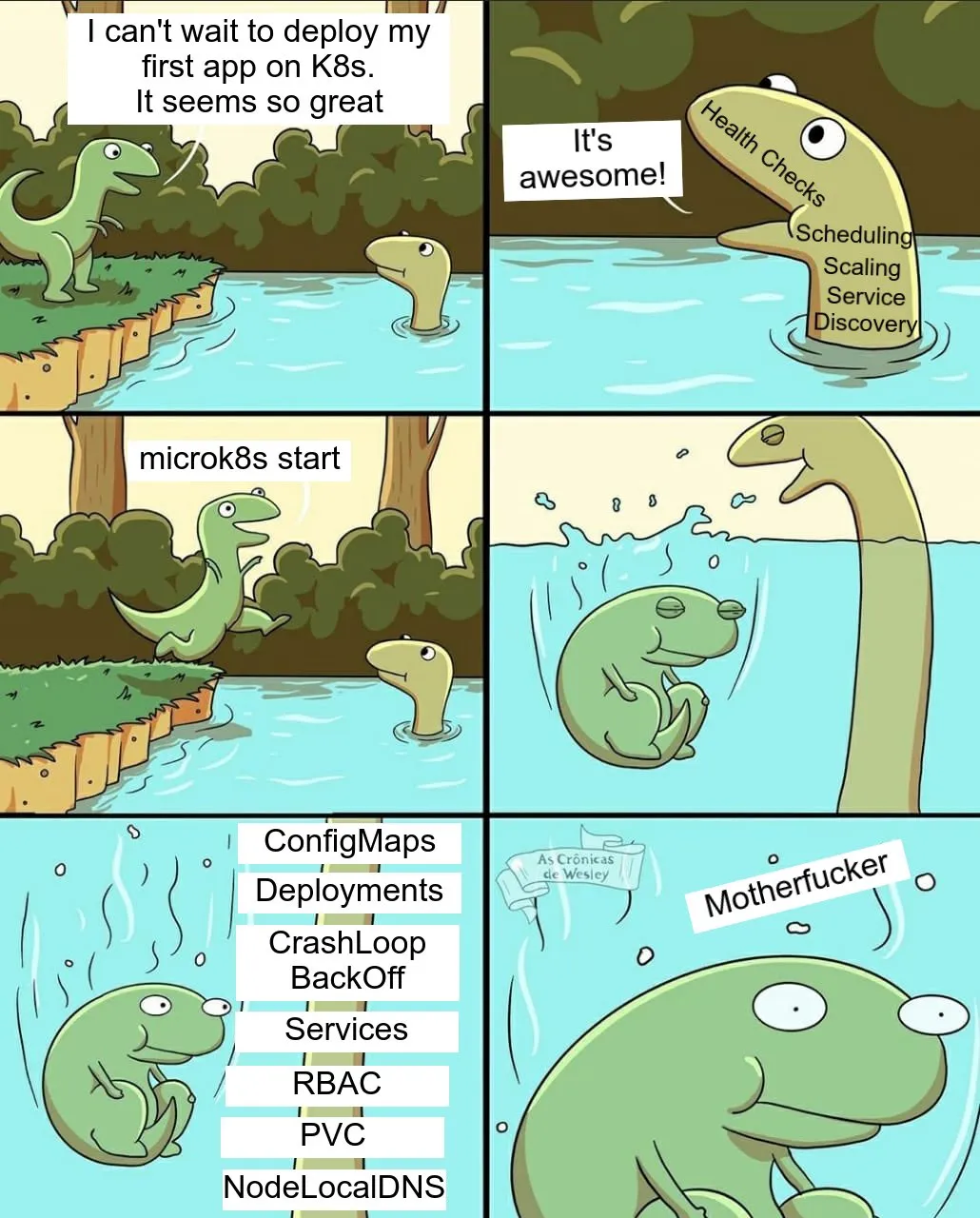
From Docker Zen to Kubernetes Chaos.

Life’s been a bit of a whirlwind lately with all the responsibilities at home and work. In the midst of it all, I started thinking about migrating this blog from Docker containers to Kubernetes. So, to distract myself from the chaos, I spent a few hours diving into rebuilding the infrastructure. It was a nice little escape, and I’m excited about the upgrade.

Because nothing screams ‘stress management’ like introducing a new level of complexity, right?

Right guys?

Leave a Comment

MacOS Performance Degraded during Timemachine backup

I’ve upgraded my 12-year-old NAS from D-Link DNS320 with Synology DS920+ after it’s showing its age, especially with poor read/write speed, and also it’s missing a lot of modern protocols like NFS v4.1 et cetera.

Then I took this chance to configure Apple Timemachine to backup all my Macbooks. My Macbook Air’s backup worked flawlessly, but my work Macbook Pro seems to have a performance issue. The system performance will degrade, and the OS will freeze intermittently whenever the Timemachine backup runs. So I had to turn off automatic Timemachine backup during office hours, do all the tasks and restart the backup after I logged out from work.

I’ve been pulling hairs for days, and neither Apple Support nor Google is helpful at least to pinpoint me to resolve the problem. macOS Activity Monitor didn’t show any clue as my CPU utilization is >90% idle. I went as far as resetting my NVRAM/PRAM twice, but it didn’t fix the problem.

Then, I realized that I have ESET Endpoint Antivirus installed by my workplace’s MDM, and it has a “Real-Time File System Protection”. As expected, disabling the real-time protection resolved this issue. My MBP now behaves normally during the Timemachine backup.

Disabling real-time protection every time the automatic Timemachine backup is far from ideal, thankfully ESET has a feature to exclude file paths from being scanned.

In my case, I’m using NAS. Therefore you will need to exclude this path and restart the backup again.

/Volumes/.timemachine/*.*

If you have an antivirus other than ESET, you may want to explore the same resolution step with your antivirus product.

Reference: https://support.eset.com/en/kb3263-exclude-apple-time-machine-backups-from-scanning-in-eset-cyber-security-or-eset-cyber-security-pro


Leave a Comment

Send iMessage to your signed iOS/Mac Devices from Terminal

I just stumbled on a neat trick to send iMessage to your signed-in iOS/Mac devices from the macOS terminal. It will send notifications to your Apple devices, especially if you’re working on automation or long-running shell scripts / Docker build from your Macbook once they’re complete.

$ osascript -e 'tell application "Messages" to send "Hey, your long ass task is complete" to buddy "+6012xxxxxx"'

Replace +6012xxxxxxx with your phone number.

Leave a Comment

Anis Nabilah

Kalau setiap kali Anis Nabilah keluar dekat TV mesti soalan yang sama Alin tanya dekat aku.

“You suka Anis kan?”

“Aik, kenapa?”

“You kan follow dia kat Instagram”

“Herm herm hermste…” (takut nak jawab)

“You suka Anis kan?”

“Laa asyik tanya soalan ni je”

“Ye la you kan follow dia kat Instagram”

“Dia hotness okeh?”

Padahal dah lama aku crush kat dia daripada zaman dia Icip-Icip TV3 lagi. Kur kur kurr.


Leave a Comment